JIndex
A downloadable FileIndexer for Windows
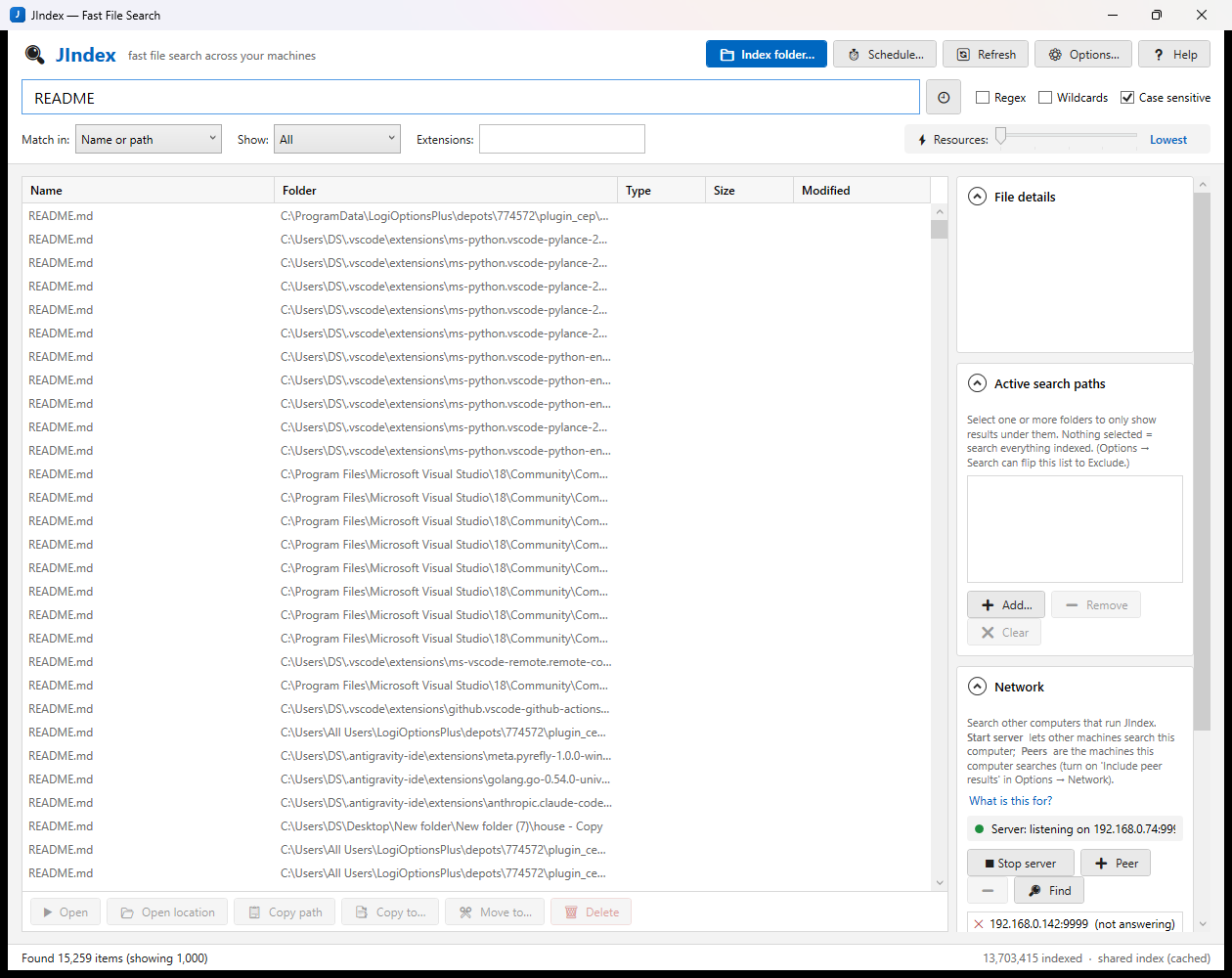
JIndex is a fast file finder for your own computers. Point it at a drive, folder or network share; it scans once and writes every path into an index. From then on results appear while you type — even with millions of entries — across local drives, your NAS and, optionally, other PCs running JIndex.
Features
- Multi-word search that narrows as you type; double-click to open, right-click to copy/move/delete
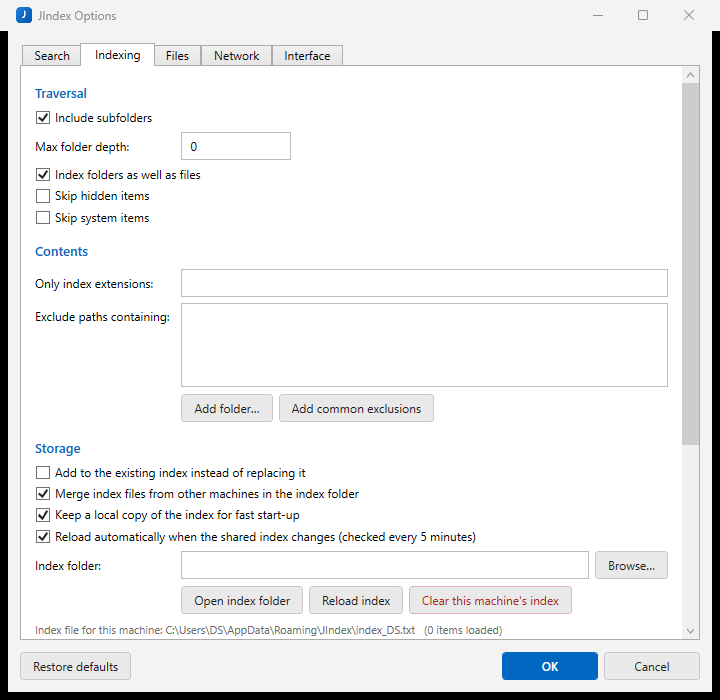
- Index local drives, NAS shares and UNC paths; indexes from several machines merge automatically
- Scheduled re-indexing (
JIndex.exe /scan) or an optional Windows service keeps the index fresh - Peer search: query other PCs running JIndex over your LAN
- Runs in the system tray; remembers your last search, filters and layout
- Built-in manual (Help button)
JIndex started as a personal tool: I had files spread over a couple of PCs and a NAS, and Windows Search never seemed to know about half of them. The idea was simple — walk every folder once, write every path into a plain text file, and search that list in memory. With that approach a search over 13 million entries returns while you're still typing.
This release is the first one I'm putting out for anyone to use.
What's new in 1.0
- New interface. The UI was rewritten from WinForms to WPF. Same layout, but cleaner, with a proper file-details pane, collapsible side panels and a resources slider.
- Fast start-up. JIndex keeps a local cache of the merged index, so a warm start takes seconds even with a multi-gigabyte index on a network share. It checks the share in the background and reloads only if something changed.
- Remembers where you were. Your last search, filters, sort order and window layout are restored on launch. Settings save automatically.
- Resources slider. Five levels from Lowest to Highest control CPU priority, search threads, indexing throttle and how much memory JIndex keeps while sitting in the tray. On the lowest setting it releases the index entirely when idle and reloads it from cache when you come back.
- Single instance. Launching JIndex again just brings the running window forward.
- Built-in manual. The Help button opens the full manual inside the app — no browser needed.
What it does
- Index local drives, folders, NAS shares or any UNC path
- Multi-word search that narrows as you type; regex and wildcard modes
- Filter by folder, extension, size and file/folder type
- Open, open location, copy path, copy/move/delete straight from the results
- Several machines can write their index to the same shared folder — JIndex merges them, so you see everyone's files with no networking set-up at all
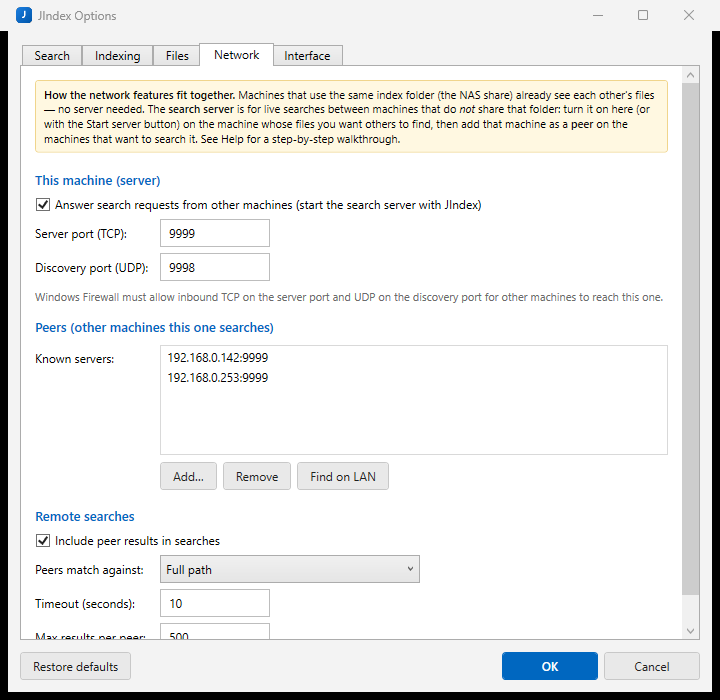
- Optional peer search over the LAN for machines that don't share a folder
- Scheduled re-indexing via Task Scheduler, or an optional Windows service
JIndex is a fast file finder for your own computers. Point it at a drive, folder or network share; it scans once and writes every path into an index. From then on results appear while you type — even with millions of entries — across local drives, your NAS and, optionally, other PCs running JIndex.
Features
- Multi-word search that narrows as you type; double-click to open, right-click to copy/move/delete
- Index local drives, NAS shares and UNC paths; indexes from several machines merge automatically
- Scheduled re-indexing (
JIndex.exe /scan) or an optional Windows service keeps the index fresh - Peer search: query other PCs running JIndex over your LAN
- Runs in the system tray; remembers your last search, filters and layout
- Built-in manual (Help button)
Download
Click download now to get access to the following files:
Development log
- JIndex 1.011 hours ago
Leave a comment
Log in with itch.io to leave a comment.